
Remote Relay-LPS Controlled

Description
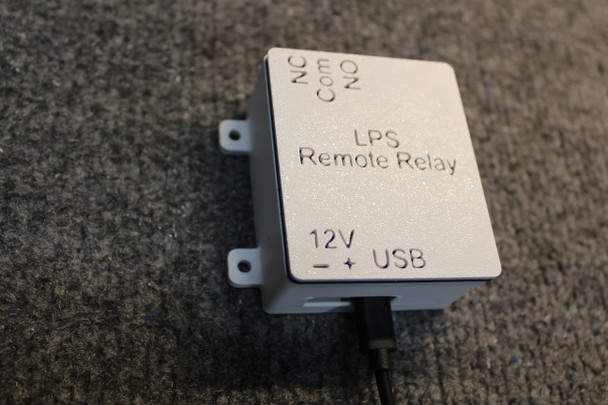
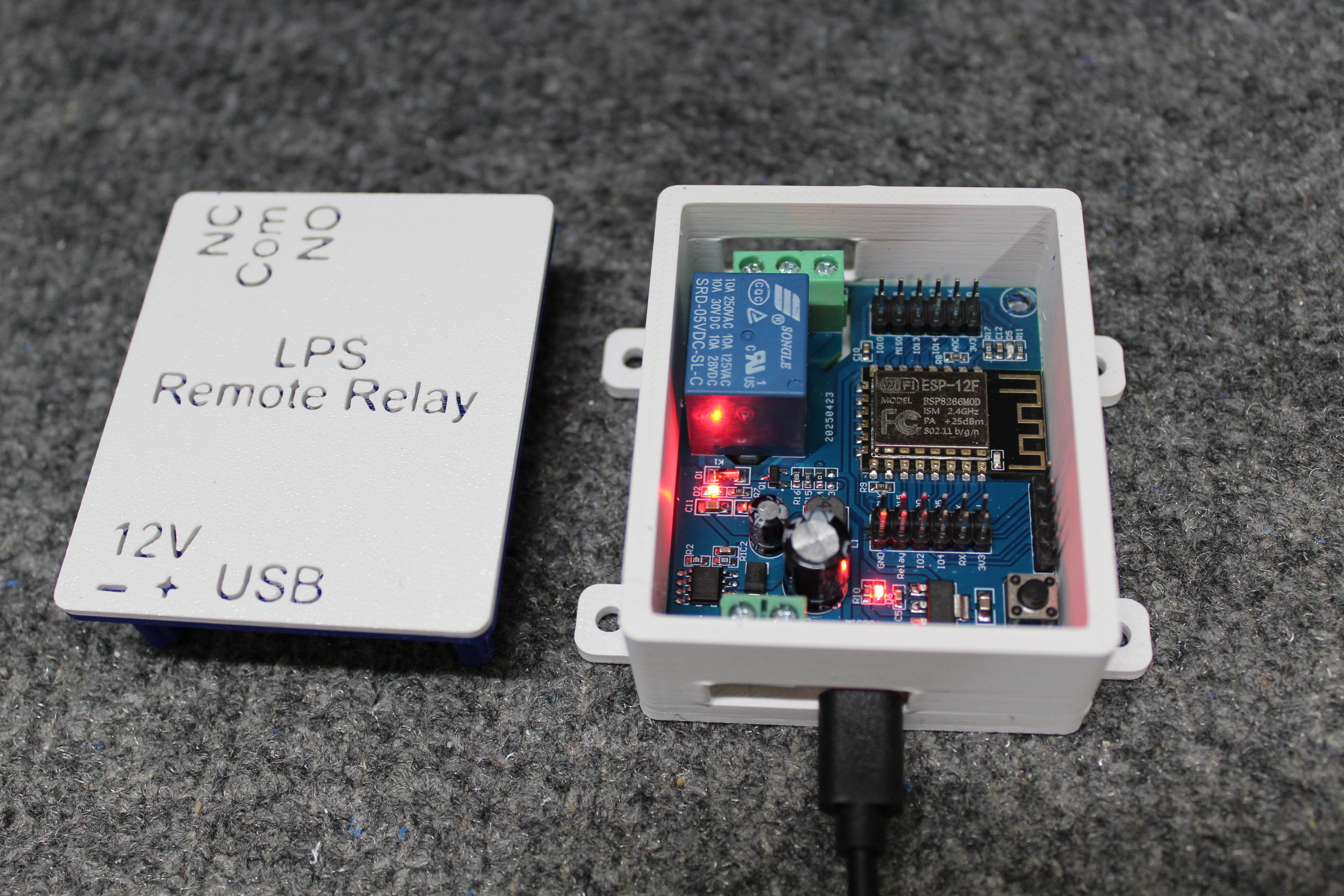
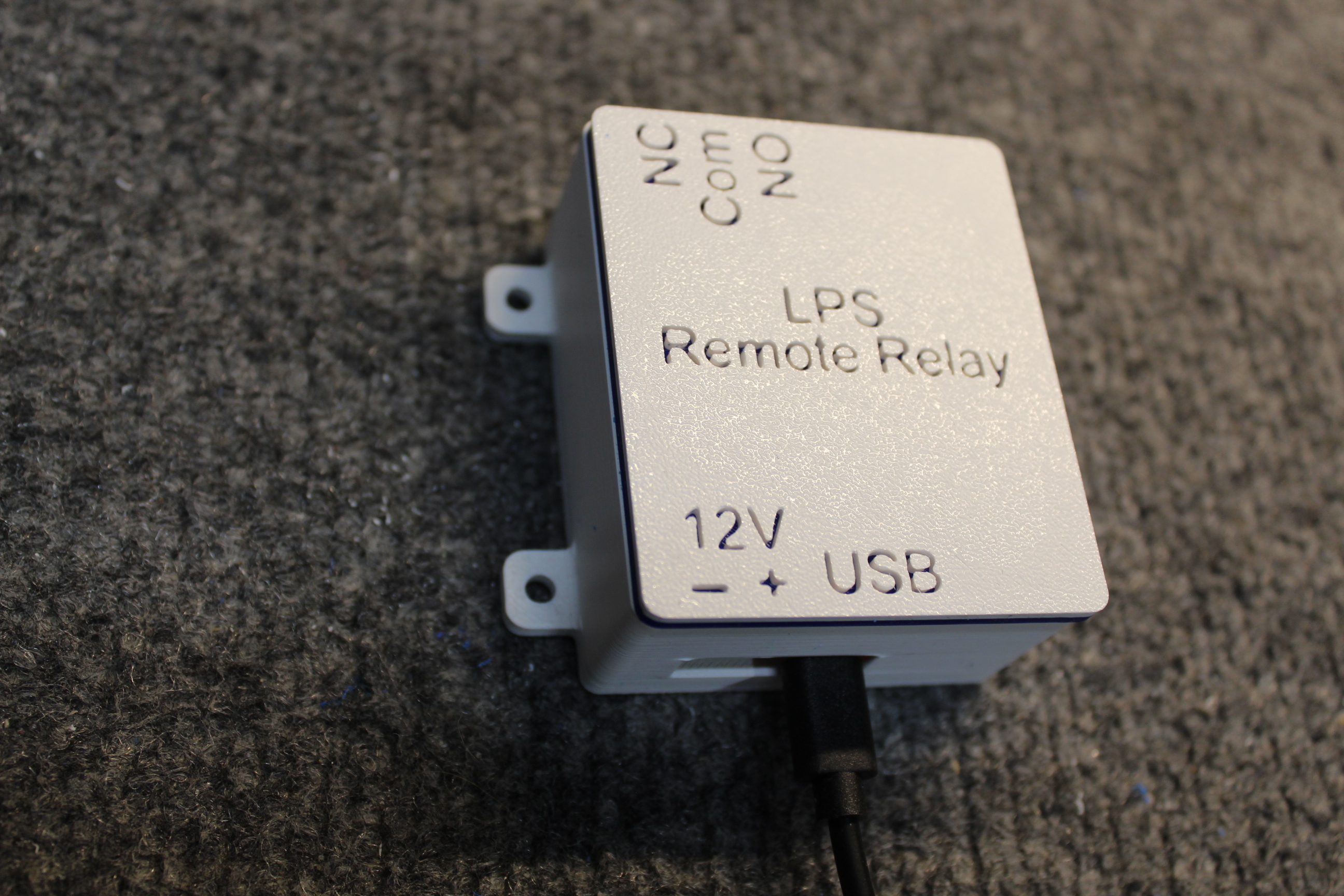
A compact, WiFi-enabled remote relay designed for seamless integration with an LPS system, eliminating the need for wired connections. This unit features both normally open (NO) and normally closed (NC) contact outputs, providing flexible control options for various applications. The relay can be operated manually through the LPS graphical user interface (GUI) over the internet or configured for automatic activation triggered by lightning detection within the LPS.
Powered via USB or 12 VDC, the device offers versatile installation options in a wide range of environments. Its compact form factor, measuring 2-1/4" x 2-1/4" x 2-5/8", allows for easy placement in space-constrained setups. Built for reliability, the relay contacts are rated for up to 10 amps, making it suitable for controlling a variety of electrical loads.
Initializing Remote Relay (2.4G WiFi Only):
1. Connect To USB or 12 VDC;
2. Find a WiFi (hotspot) like "tasmota-xxx" on your WiFi connected device;
3. Connect to this hotspot and it will direct you to a new page to input your wifi ssid and password (Only 2.4G wifi is supported);
4. Once the ssid and password match, it will direct you to a page to control the relay on/off
5. The control page will also display the LAN address assigned to the Relay.
6. Enter this address into LPS, “WiFi Relays” for the relay position you wish to assign to this LPS Relay.
Reset LPS Relay:
1. Connect LPS Relay USB to a power strip. Use the switch on the power strip to power on the Switched Outlet 7 times. On the 7th power on, leave it on.
2. In your WiFi connected device, look for “tasmota-xxx”. It takes a short period of time as the LPS Relay needs time to boot up. Now you may go to step 3 above to initialize again.
Note:
* The LPS Relay will be in pairing mode once it is powered up.
Related Products
Related Products
