
Lightning Detection and Protection System




Description
Notice LPS Legacy Owners: We have made a change to how email notifications are handled. As of Feb 1, 2027 your email notifications will no longer function with your present firmware (Before Rev 8.1x). To get your email notifications working again (Plus Notifications Push, Relay Control, Local Lightning Detector, Etc), you will need to purchase a new micro-SD card from us. There is no charge for this service. However, there will be a flat rate charge for shipping. When you place your order (go to options for LPS), we will ship you a new Micro-SD Card plus a return envelope and shipping label. You will remove existing Micro-SD Card (with tweezers) and install the new Micro-SD Card in the small slot in the side of the Electronics Box (E-Box) mounted on top of the LPS (this is part of the LPS). Please place the original Micro-SD Card in the return envelope and ship it back to us. This is a "One-Time" update. After your new SD Card is installed, you will be able to update on-line within the LPS GUI (graphical user interface).
Firmware Version 8.15 is now available (See Description Below): Due to major firmware addition it is not possible to update from V7.15 (or earlier) within your LPS GUI. If you wish to update to V8.12, you will need to purchase a new micro-SD card from us. There is no charge for this service. However, there will be a flat rate charge for shipping. When you place your order (go to options for LPS), we will ship you a new Micro-SD Card plus a return envelope and shipping label. You will remove existing Micro-SD Card (with tweezers) and install the new Micro-SD Card in the small slot in the side of the Electronics Box (E-Box) mounted on top of the LPS (this is part of the LPS). Please place the original Micro-SD Card in the return envelope and ship it back to us.
With Version 8.15 (note: we cannot update from the Web for 7.15 to 8.1--Please go to options-Micro-SD Card for this update)
Major Updates:
1) Provides ability to select either Web Lightning Data, Local Receiver Data or Both
2) Push Notifications to your device such as Iphones and Android Phones & Tablets. (Email notifications still in affect)-LPS can push notifications to your device which has "Pushover" application installed (one time cost for the App of $4.99 To Pushover) When you install "Pushover" App on your device, you will receive an email with setup instructions. You may download a MP3 audio file that is used by Pushover in your device to give you a audible notification like Thunder so you will know immediately LPS issued a notification!
Click Here To Download "Thunder" Sound For Your Notifications.
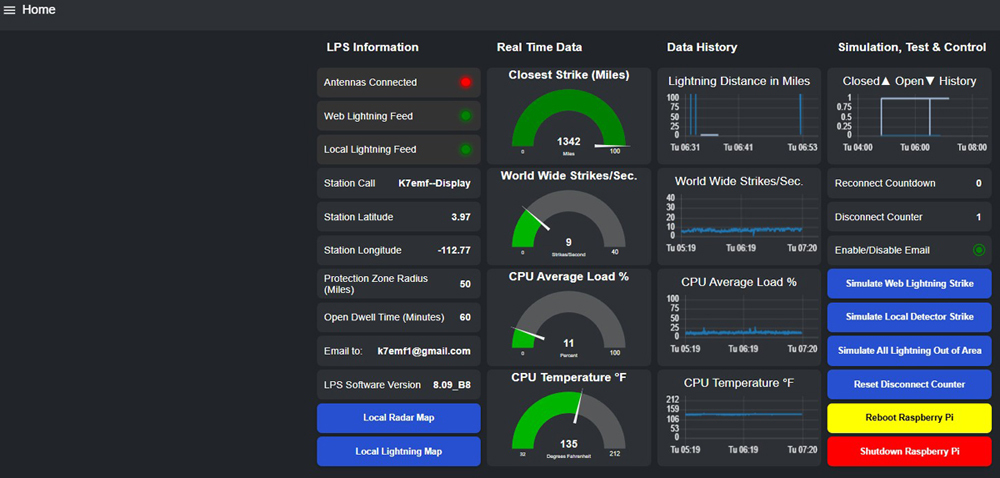
3) Provides LPS IP Address, FW Version, CPU Temperature & WiFi Signal Level Displayed On Built In OLED Display Of LPS
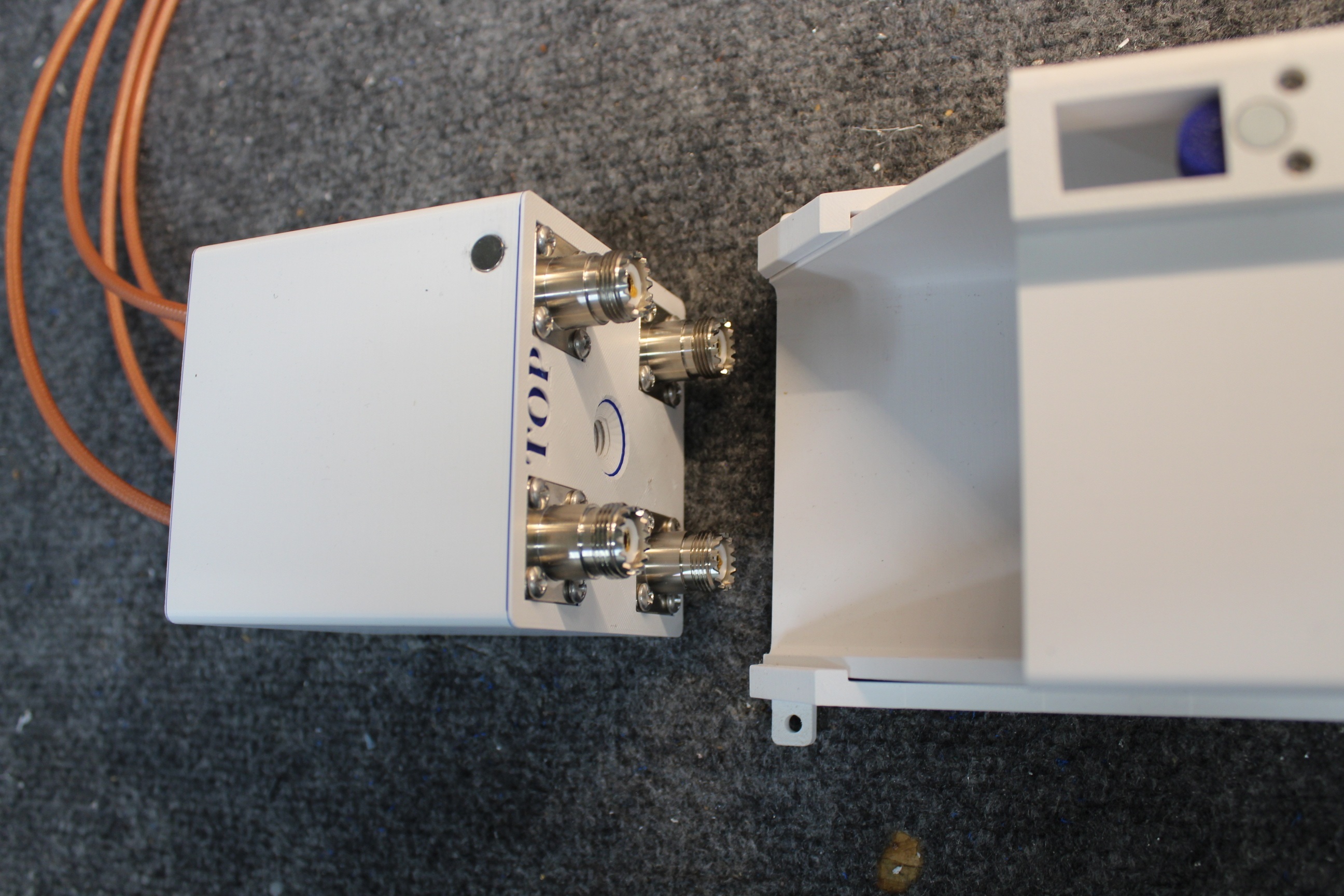
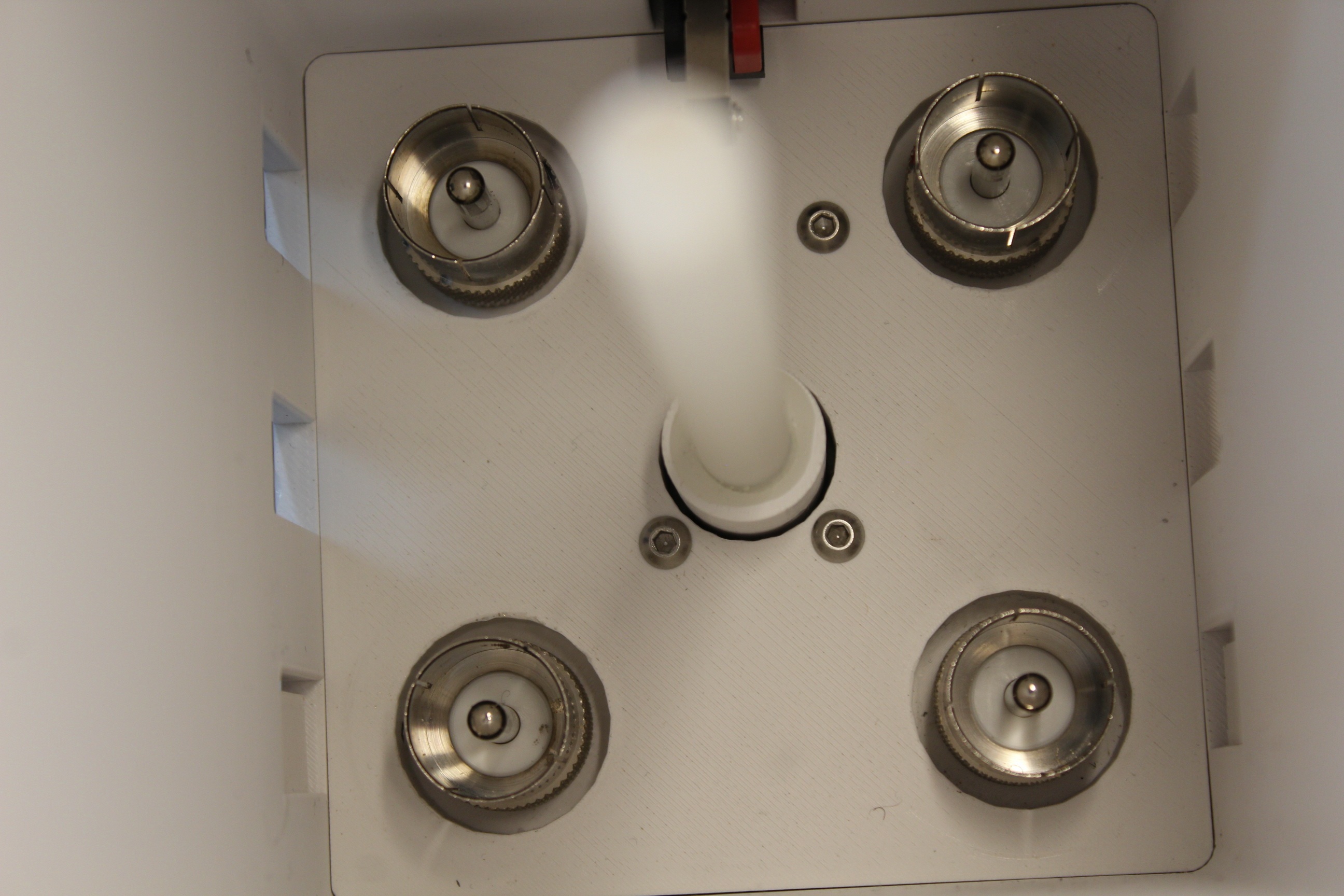
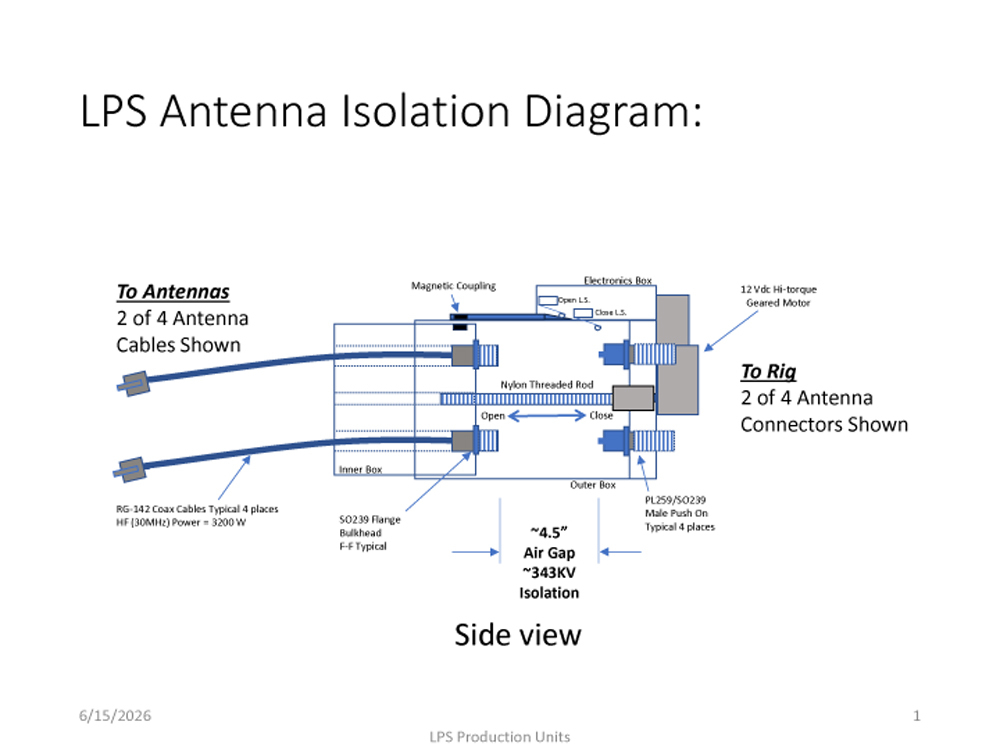
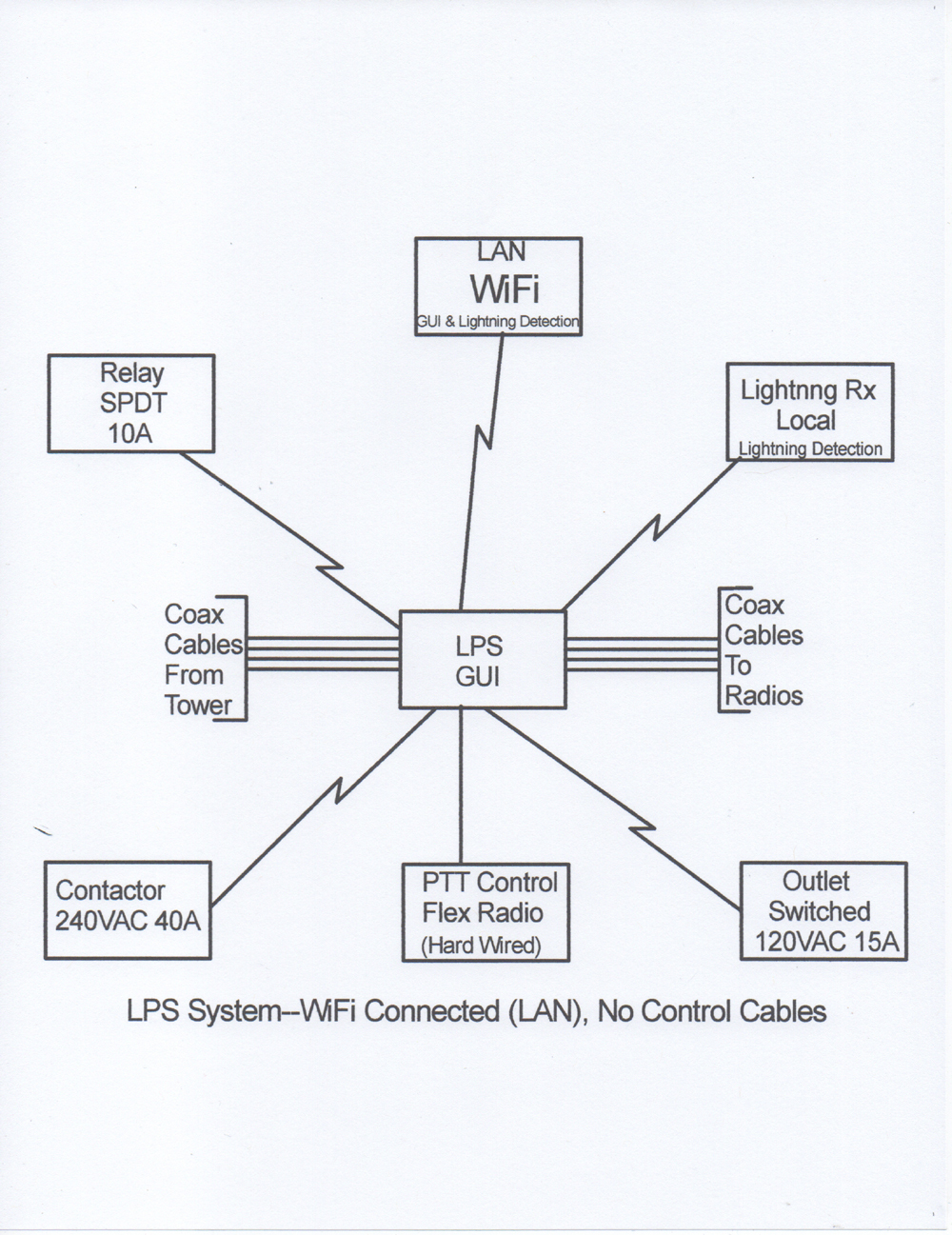
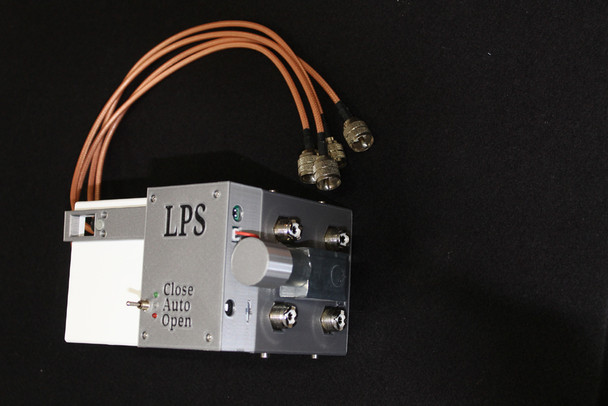
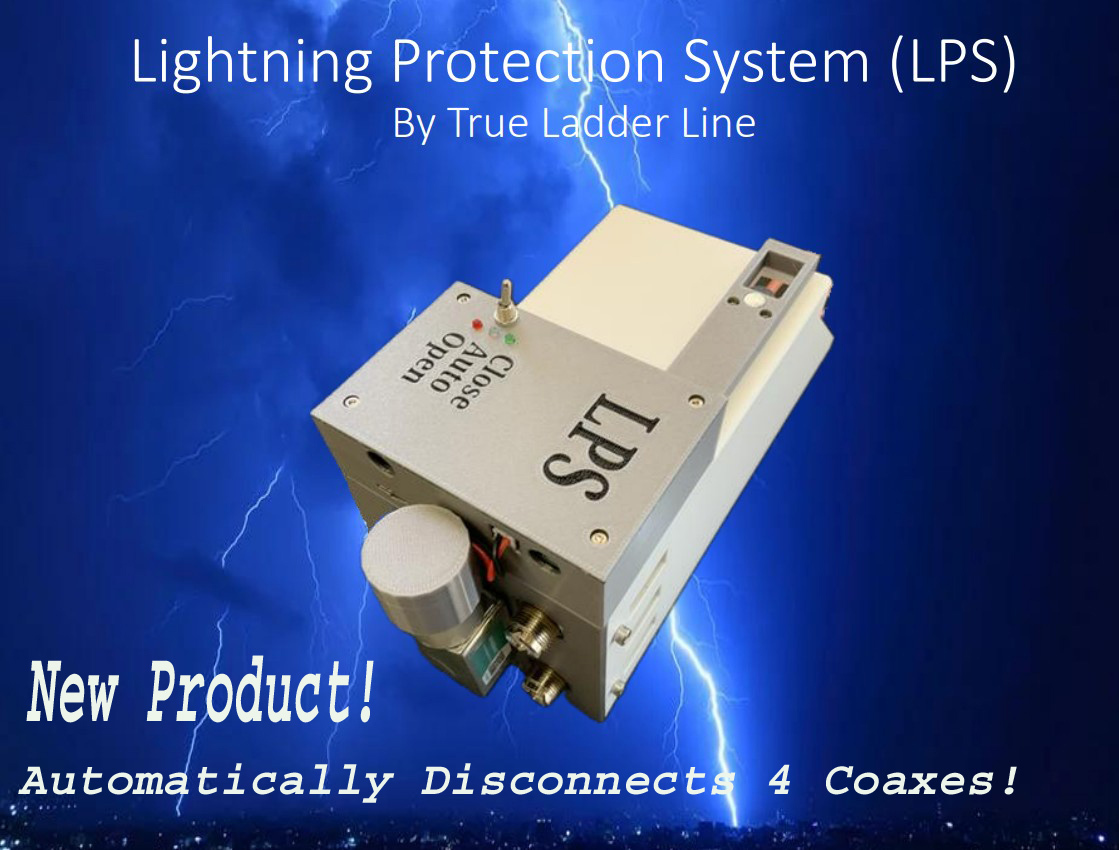
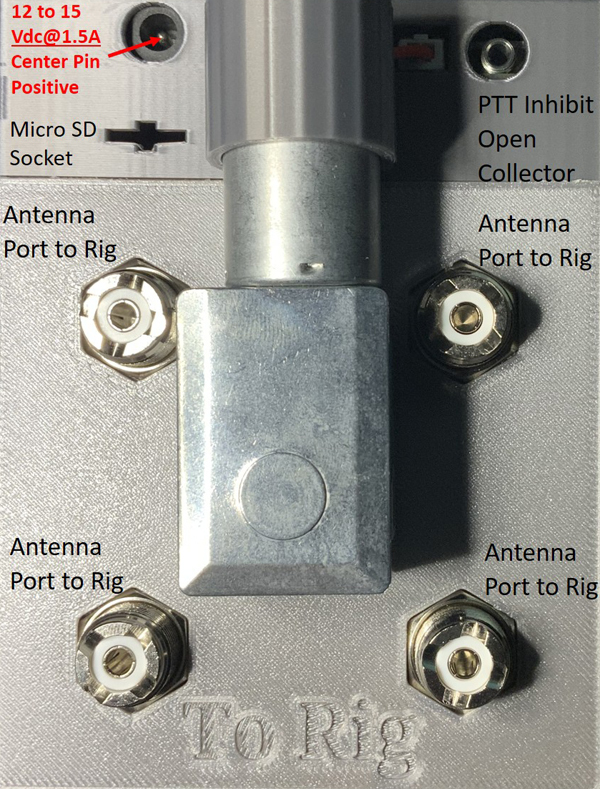
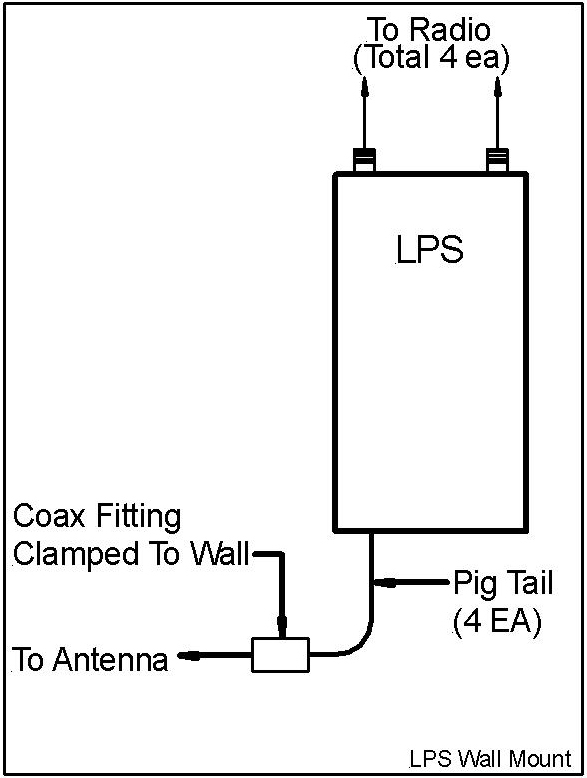
This advanced Lightning Detection Protection system is designed to safeguard your radio equipment before lightning ever becomes a problem. The system continuously monitors lightning activity worldwide via the internet (WiFi Connected). Once you set your geographic location and define a detection radius, the unit automatically watches for lightning strikes within those parameters—24/7.If lightning is detected inside your selected radius, the system immediately disconnects four coaxial lines from your shack, physically isolating your equipment from potential damage. At the same time, it provides a transmit-disable signal, ensuring your station cannot transmit while the coax lines are disconnected. The system remains in a protected state until zero lightning strikes have occurred within your defined radius for the delay period you configure. Once conditions are clear, the unit automatically reconnects the coax lines and restores normal operation—no manual intervention required. You’ll also receive email notifications when lightning is detected, when your equipment is disconnected, and when the system safely reconnects. If LPS looses WiFi connection for 8 minutes continuously, it will disconnect the four coaxes from your station. The disconnect will remain until WiFi communication is restoreThis makes it an ideal solution for remote stations, unattended operations, and high-value equipment, offering peace of mind and fully automated lightning protection. External Relays & Switched AC Power Outlets (Options Available) May Be Controlled With LPS Using Your Local Area Network (WiFi) Eliminating Control Cables.
Key Features:
--No App Needed! Access The GUI (Graphical User Interface) From Anywhere In The World Using Your Device Search Engine (Internet Connection)
--Worldwide lightning monitoring
--User-defined location and detection radius
--Automatic disconnection of 4 coax lines (not relays! Actual connector separation)
--Transmit-disable output during protection mode (PTT Disable)
--Adjustable "clear-time" before reconnection
--Automatic reconnection after lightning clears
--Email alerts and status notifications (Time Stamped)
--Excellent for remote, unattended & attended stations
--Power Requirements: 12VDC-5 Amps (note-we recommend using a linear power supply, not a switching supply!)
Options:
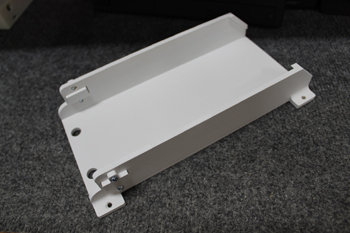
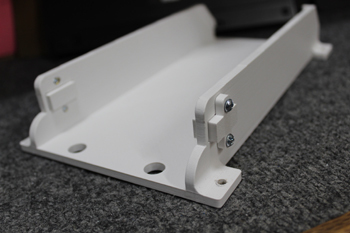
--LPS Mounting Bracket
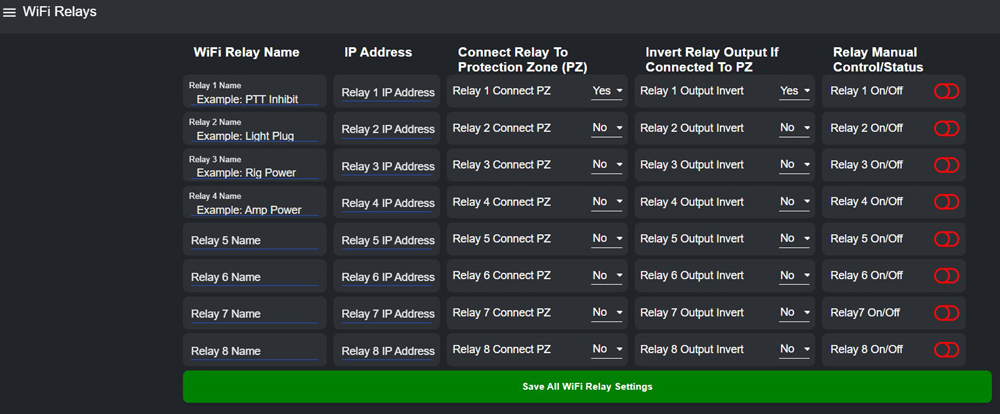
--Relays (WiFi Connected) Controlled With Auto Lightning Detection or Manually Controlled Via LPS GUI
--120VAC Outlet (WiFi Connected) Controlled With Auto Lightning Detection or Manually Controlled Via LPS GUI
--AC Contactor(40Amp) (WiFi Connected) Controlled With Auto Lightning Detection or Manually Controlled Via LPS Gui
--Local Lightning Detector Module (WiFi Connected). With V8.12 User May Select "Internet Data Detection +
Local Detector", "Internet Data Only" or "Local Detector Data Only".
LPS GUI Home Page:
LPS GUI Relay Page:
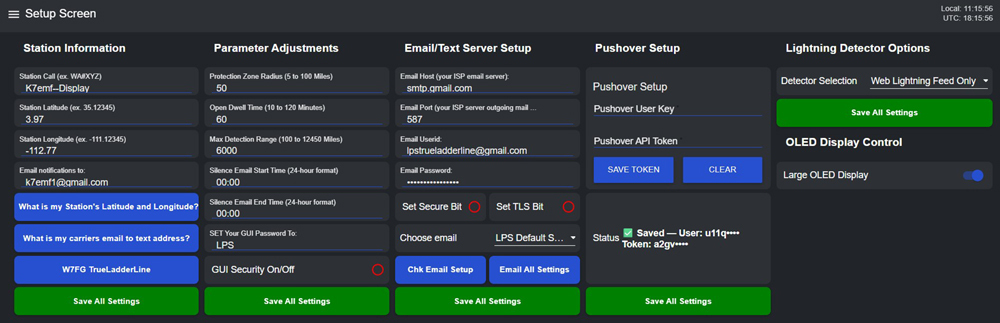
LPS GUI Setup Page (Version 8.1):
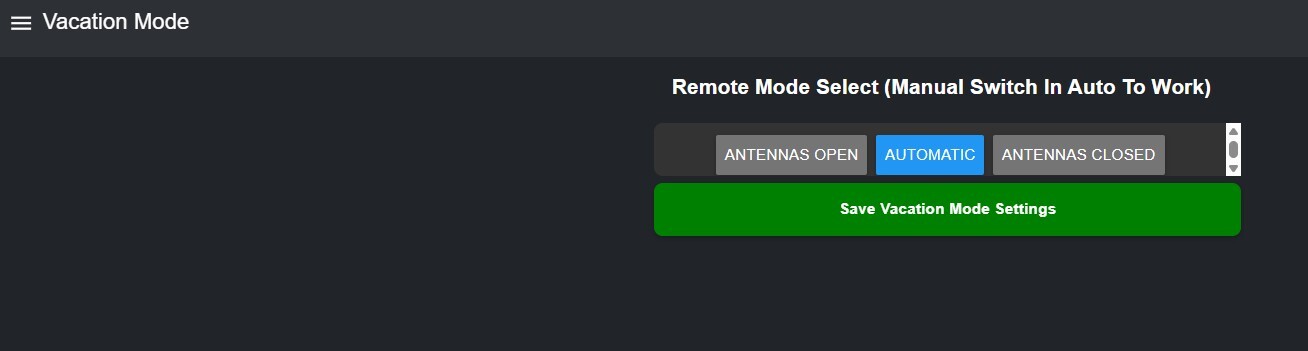
LPS GUI Vacation Page:
LPS Options:
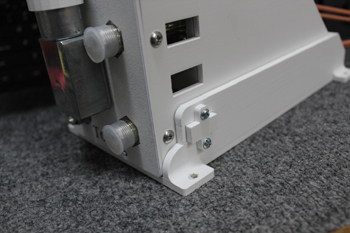
1) LPS Mounting Bracket
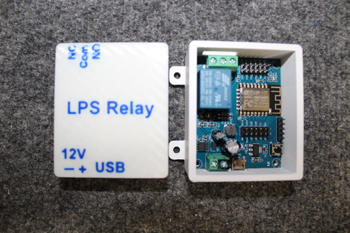
2) LPS Controlled Remote Relay
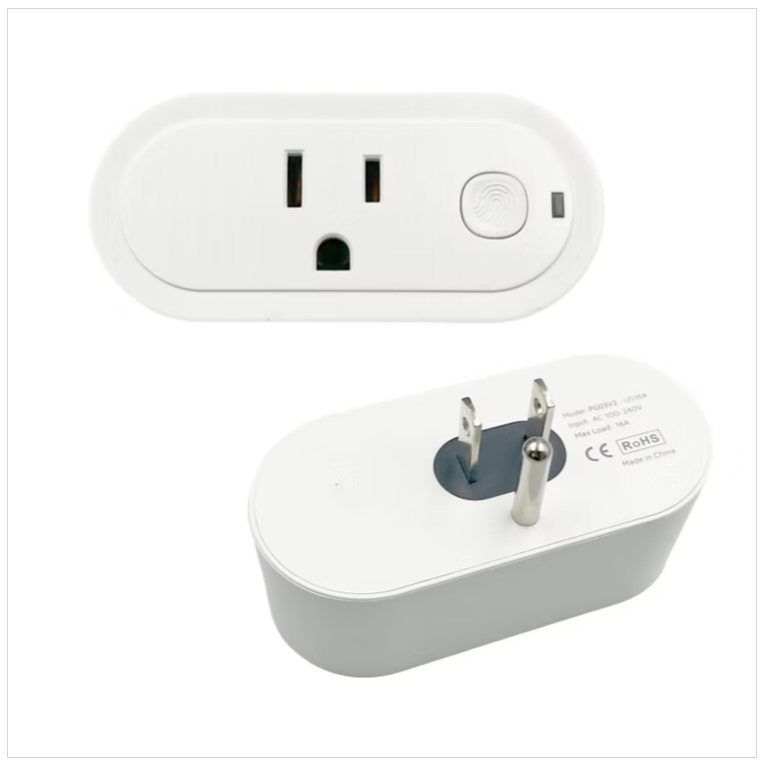
3) LPS Controlled Switched AC Outlet
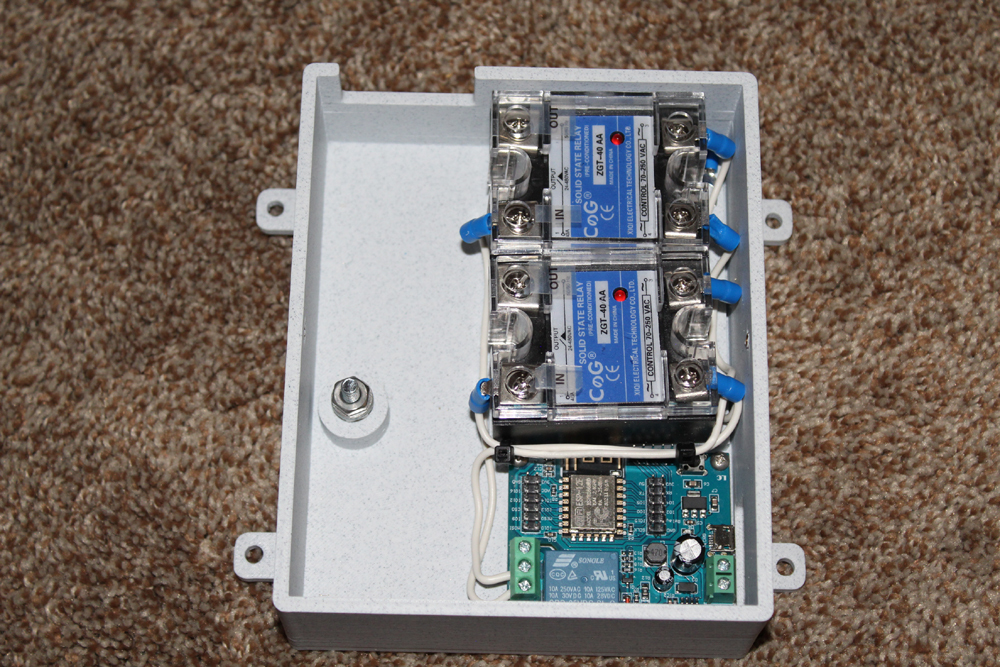
240/120 VAC Contactor LPS WiFi Controlled
****Warning: Android devices do not work for LPS Initial Setup!****
****LPS Only Works With 2.4G WiFi****
**Click--Here the Link to download "LPS Initial Setup (WiFi)"
**Click--Here the Link to download "LPS-Flex PTT Inhibit"
**Click--Here the Link to download "Setup & GUI Operation"
**Click--Here the Link to download "PC-Direct Connection To LPS"
**Click--Here the Link to HamCation 2026 Seminar Video
**Click--Here the Link to "Lightning Protection System Presentation"
Note: If you wish to update your LRS Legacy unit to the latest firmware, contact us and we will ship a new SD Card for your LRS. Once your new SD card is installed, you may update to any new versions available.
Related Products
Related Products

Remote Relay-LPS Controlled
